








Everything you need to know
Description
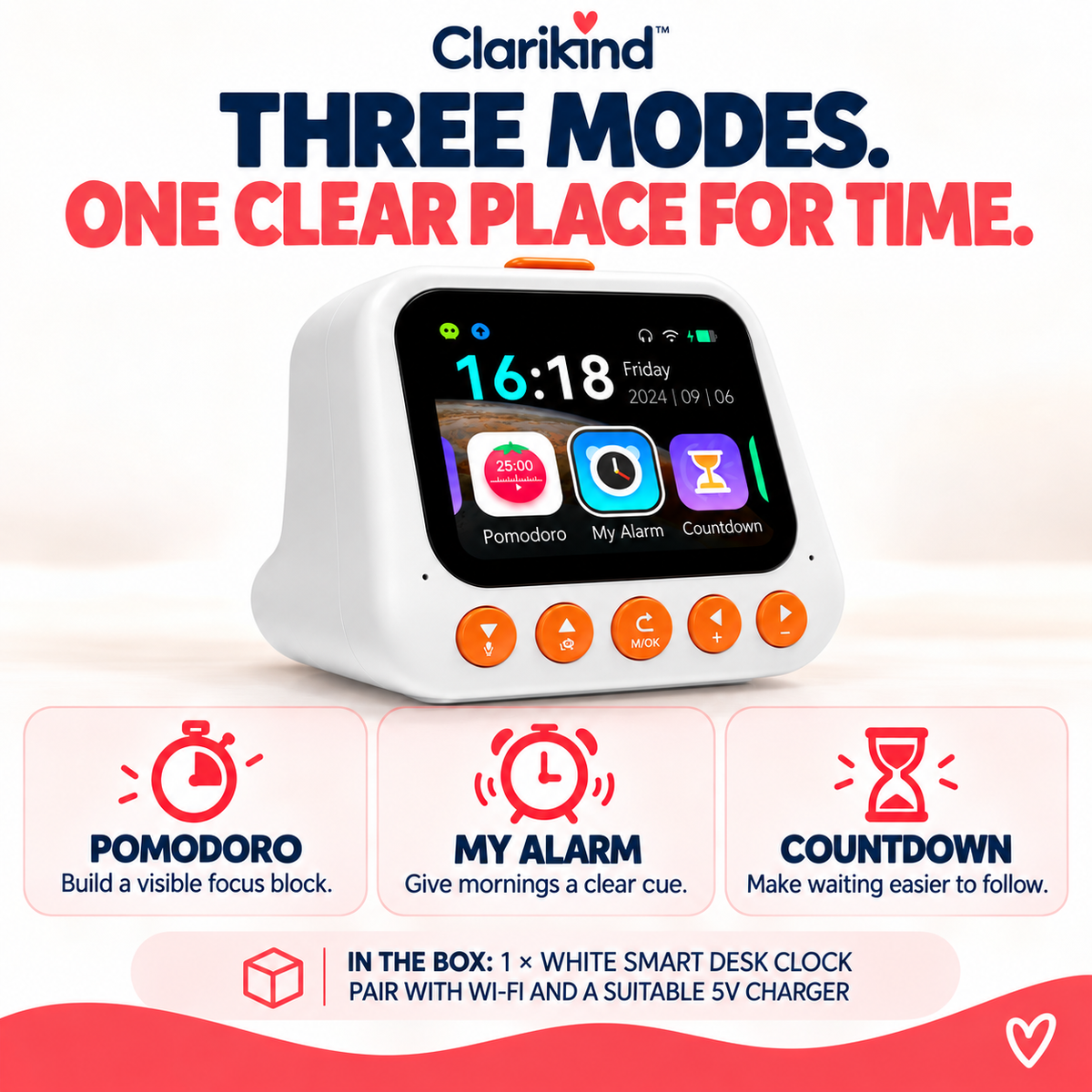
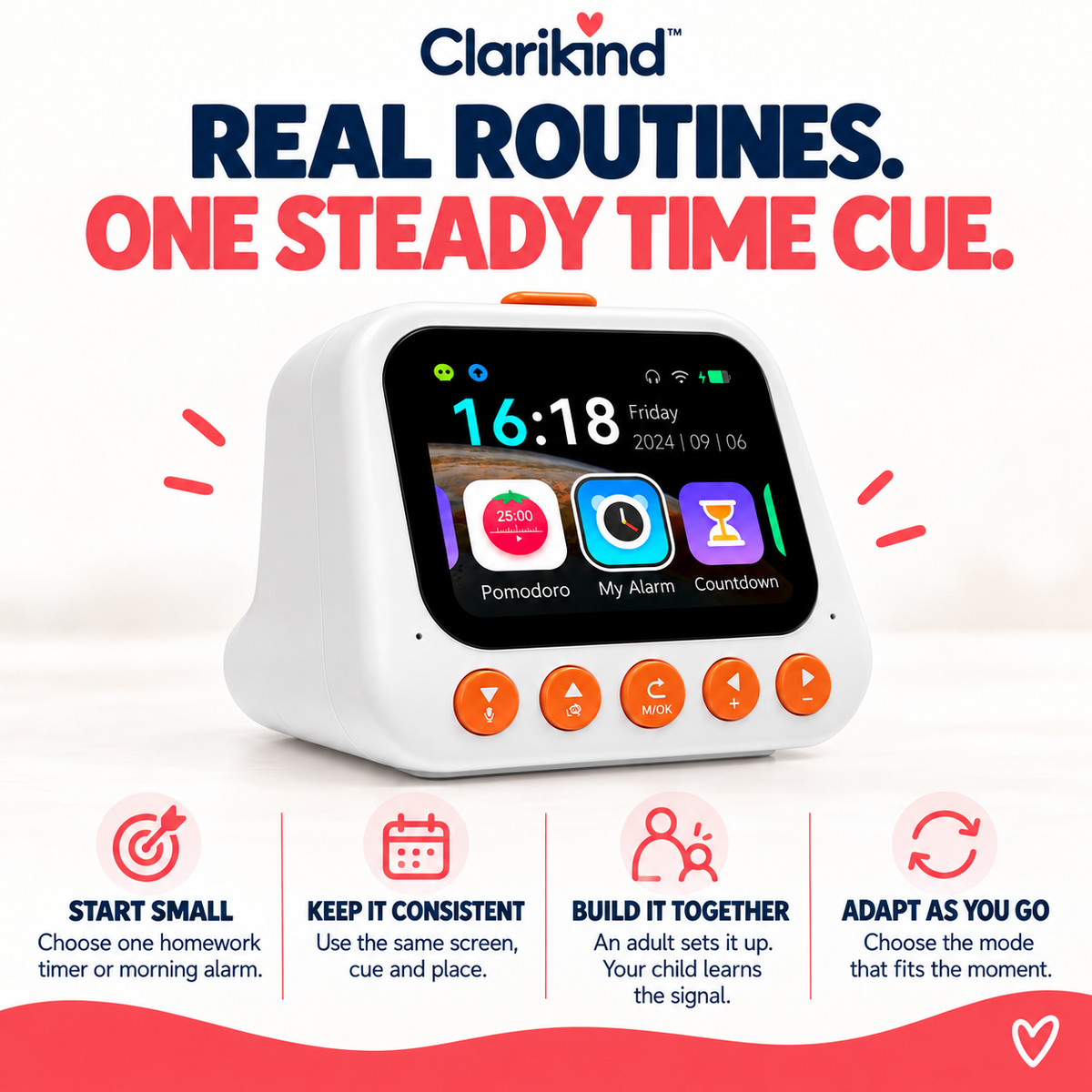
Homework has started, but every time your child checks the timer on a phone, the rest of the phone comes with it. Give time a place of its own with this smart alarm clock for kids. Set a countdown, Pomodoro work period or morning alarm, leave the display in view and let the next cue come from the clock instead of another reminder.

Time without the phone
- The phone can stay out of the routine: alarms, countdowns and work periods live on a dedicated clock.
- The finish point stays visible: a countdown gives a homework task or routine a clear end to work towards.
- One familiar cue for the morning: use the alarm for waking up or another daily routine.
- A cue your child can check: keep the display where they can see it instead of asking how much time is left.

Choose the right time cue
This smart alarm clock for kids suits a desk or bedside routine where the challenge isn’t just telling the time, but keeping the next cue visible without bringing the phone back in. For a single, simple activity countdown, choose the Visual Timer.
Kids Alarm Clock or using a phone as the routine timer?
| What matters | Clarikind Kids Alarm Clock with Countdown Timer |
Using a phone as the routine timer |
|---|---|---|
| A place for time | Dedicated alarm clock and countdown display | Time shares a device with apps and notifications |
| Routine choices | Alarm, countdown and Pomodoro periods | Depends on the timer and apps installed |
| Checking the finish | Keep the clock display in view | Check the phone or keep its timer open |
Useful guide: Time Blindness in Children: Make Time Easier to See.
Specifications
- About 13 × 10 × 8.3 cm
- Alarm, countdown and focus timer on one screen
- Needs Wi-Fi and a 5V USB charger (not included)
Delivery & returns
Delivery is free on every order. Every physical product is covered by our 30-day guarantee. See our Shipping Policy and Returns & Refunds Policy for details.
Three simple steps for the moment you’re solving.
Questions parents ask

When is this the right option?
What do I receive?
How do we try it first?
What age or setup should I check?
How does delivery work?
What if it is not right for us?
Will my child actually use it?
An adult sets up the Wi-Fi first. Then start with one countdown for one homework block, with the phone in another room.
Other practical supports for the same everyday challenge.
Choose only what fits the moment. These are optional additions, not requirements.


 Kids Alarm Clock with Countdown Timer
Price
29.99£
Kids Alarm Clock with Countdown Timer
Price
29.99£